Arroyo
A synthesizer played at the level of the song: groove, melody, arrangement and set under your hands at once. No grid. It makes noise on its own terms; the work is shaping that noise.
Browser-based, free, and it remembers how it was played.
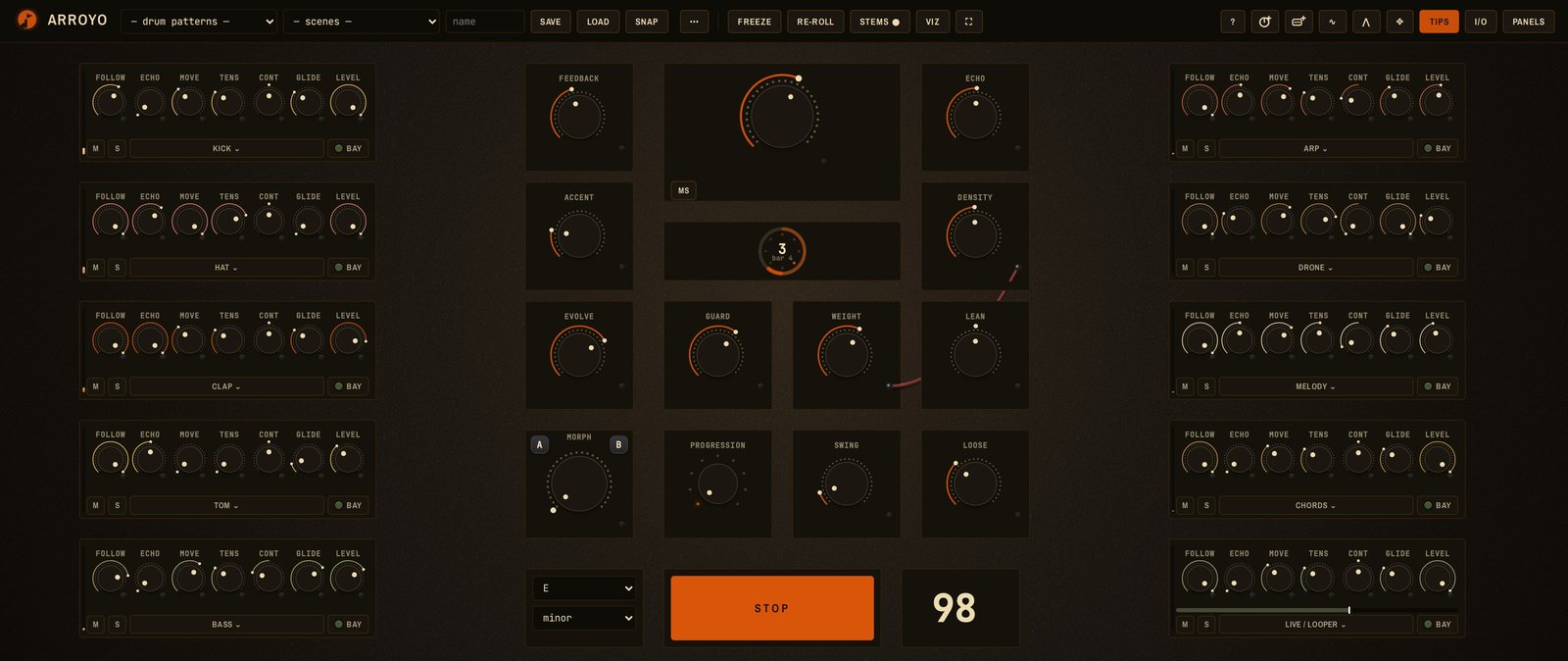
What it is an instrument, not a tool
A tool does what it's told. An instrument has ways, and you learn them — some settings here do things that weren't planned, and they're the best things in it. When the kit does something you didn't ask for, listen for a bar before reaching for the knob.
No grid the drummer's way
No step boxes. Under every voice is a field: a continuous probability terrain around the pulse, recomputed each bar. A knob reshapes the terrain and the hits re-settle into it. The physics carries the research on why people move: syncopation held where grooves live, timing consistently early or late rather than random, drops and builds a settled groove has earned.
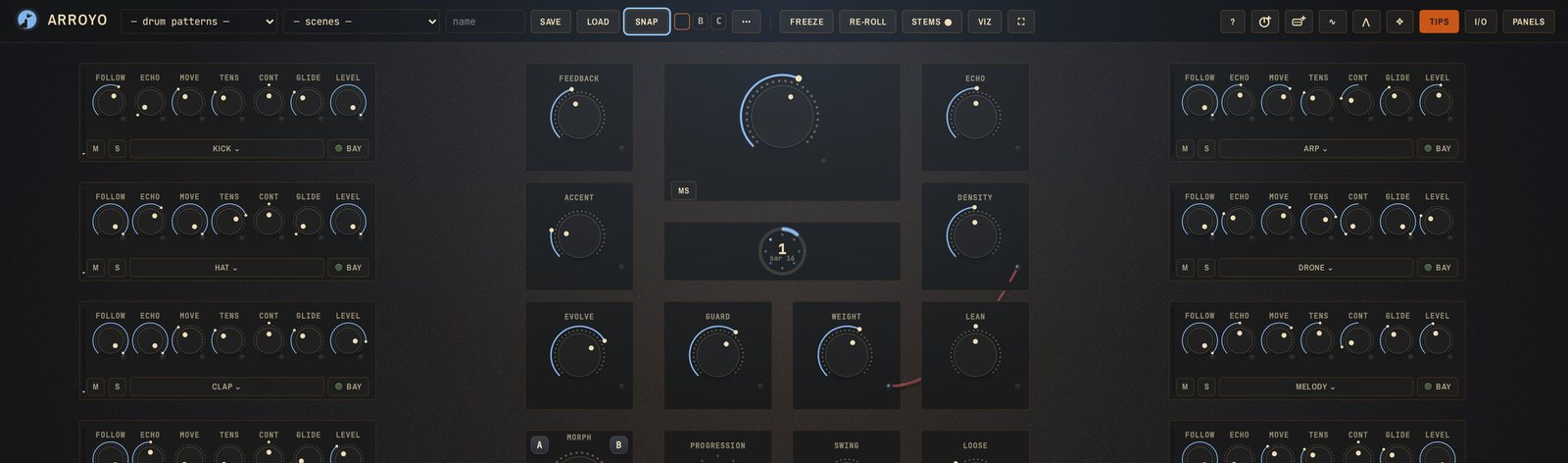
Density is how much. Weight is how hard. Swing is the lilt, Loose the human part, Accent the dynamics, Evolve the drift across phrases, Echo and Feedback a delay. Everything lands musically on the next bar.
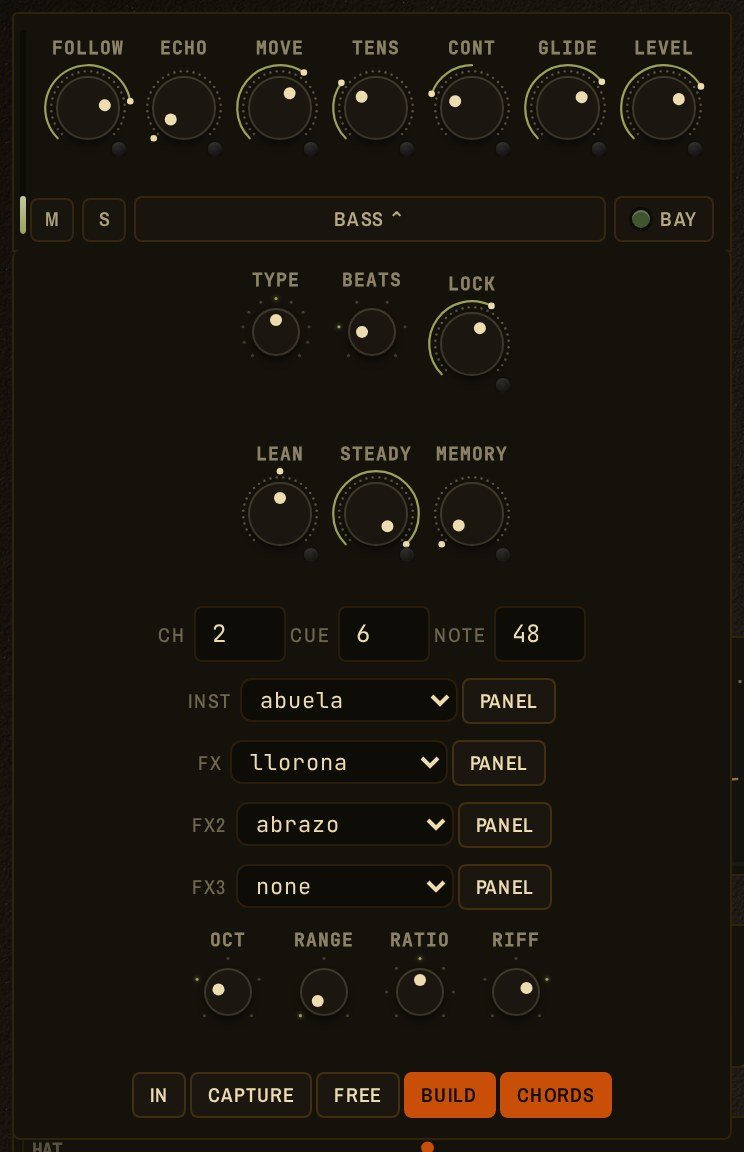
Each strip also has Lean and Steady — where it sits on the beat and how reliably (a consistent lean reads as feel; the same lean scattered reads as sloppy) — and Memory: at zero the strip redraws every bar; turned up it restates its phrase and changes exactly one thing per pass; at the top it never changes. Memory is how a small line gains weight by coming back while the room moves around it.
Knobs and cables everything is a knob, and knobs can be wired
Drag to play a knob. Double-tap to undo. Triple-tap to ride: aim a ghost and it glides there over 4, 8, 16 or 32 bars. Flick it and it coasts to a stop. Hover a knob and a hardware controller (an Ortho Remote, say) turns that one.
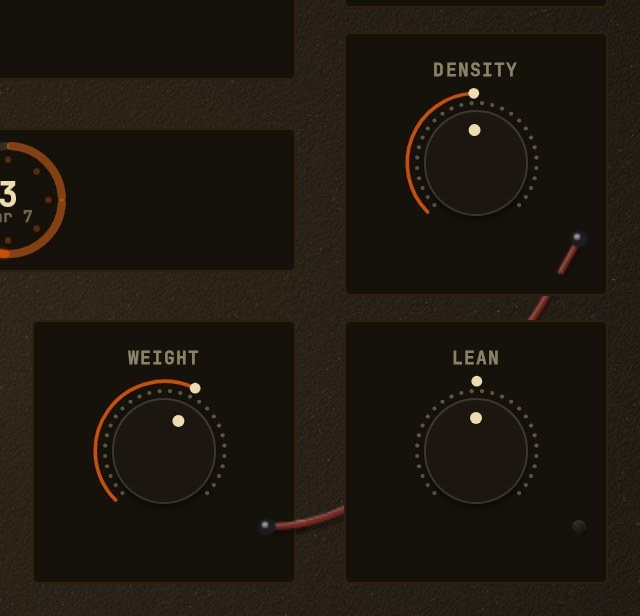
Drag a cable between two knobs and a move on one becomes a move on the other; a pill on the wire inverts it. Each strip has a patch bay: the loaded module's parameters as ports, so a macro or a modulator reaches inside the synth.
Chords a progression is one knob
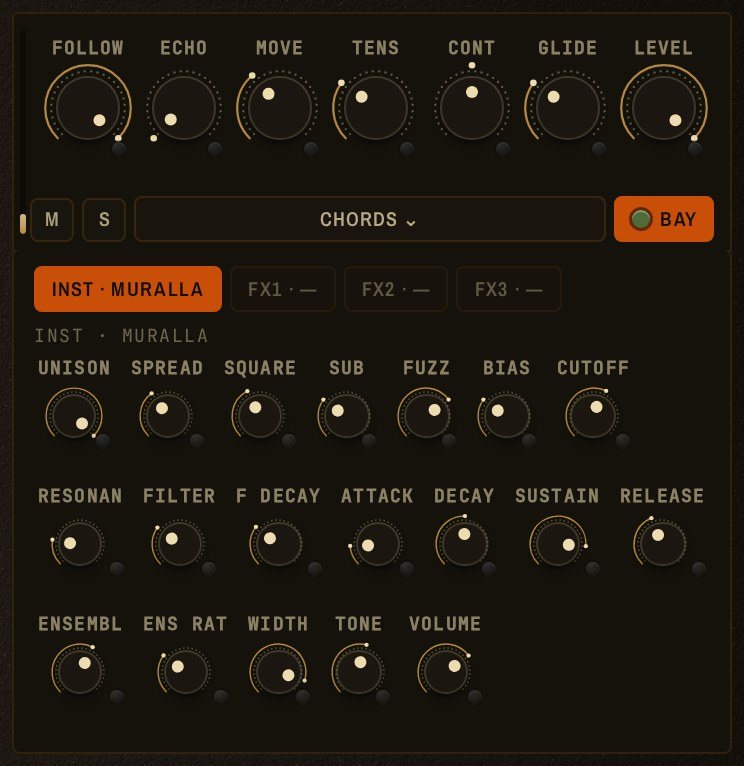
The progression knob is one detent per preset; off at the left. Pitched strips resolve into each chord on their own: the melody finds chord tones, the arp walks the triad, the drive bass leans approach tones into each change, a looped take transposes with it, and a chord strip plays the voicing outright. A number key gives that degree on the next bar. Key and scale live in the transport and every strip follows on the downbeat.
Modulators hands that never get tired
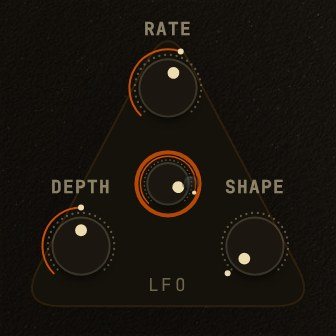
An LFO and a looping envelope, each three knobs and an out jack. Wire the jack to any knob — macro, strip, or bay port — and it turns around wherever you leave it; your own setting stays as a tick underneath. Sessions store the setting and the modulator, not the wobble, so replays rerun it from the clock. Double-tap the box to switch it off.
The looper every strip is an instrument you can play into
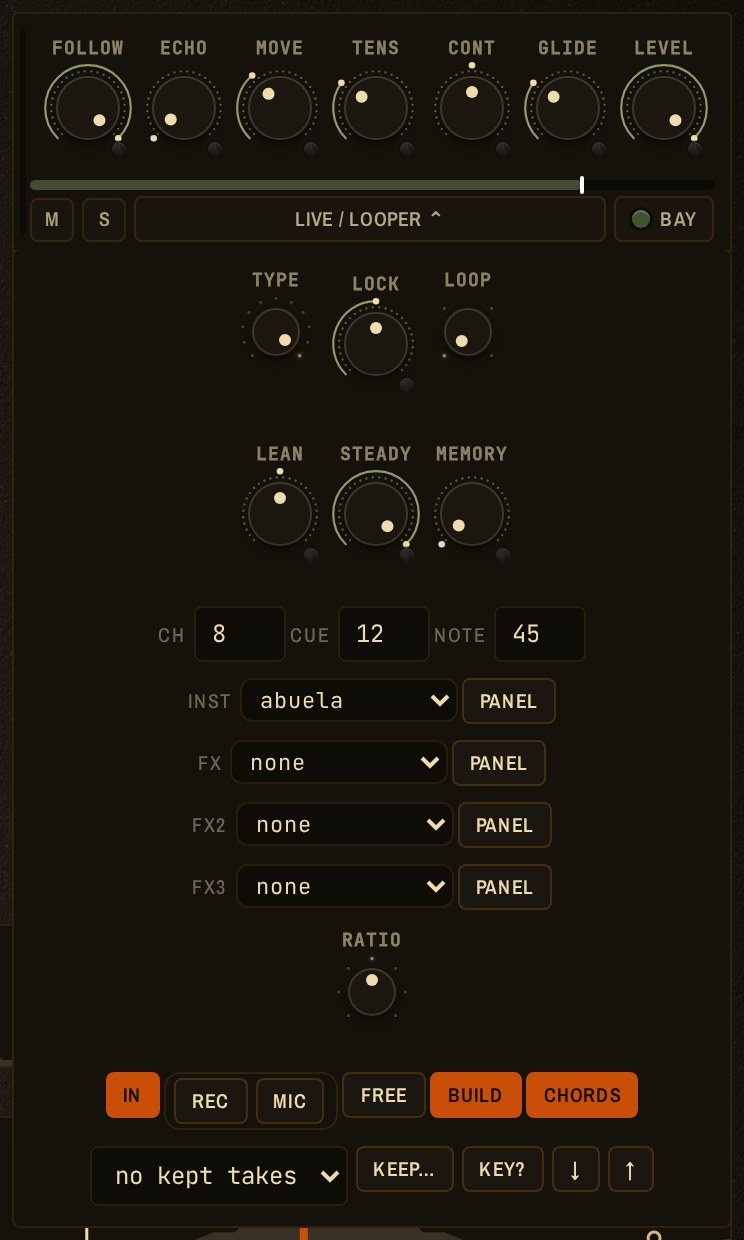
Make any strip the live input and a MIDI keyboard, or the mic, plays through its instrument and effects. Arm Rec and play: the first note is beat one, the take closes at 1, 2, 4 or 8 bars and loops. Every pass you play replaces the take; a pass you sit out keeps it. Press Keep and it's material: the seven knobs refract it, Follow decides how much the room may vary it, and it can be named and loaded into any strip.
The song a map to play against, and a timeline you can wire
Pick a genre and its sections lay out in bars with a dashed line of the energy a track usually carries there. As you play, the panel counts down to the next section and traces what the machine is actually producing against the line. The map loops by default.
Drop a cable from any knob onto the lane to pin it at a level and a bar; two pins and the knob follows the line between them.
Snapshots arrange the set. Press N and the room as it sounds — every knob, every module setting, mute and solo — is banked as A, B, C. Click a letter or Shift+1–9 to recall; press and hold a letter to delete it. Drag a letter onto the lane and it cuts in at that bar and holds. Pass the letter over a marker already on the lane before dropping it, or drag a marker onto its neighbour, and a morph line joins them: the room travels continuously from one to the other. Alt-click the line to cut again. Your hand always wins until the next marker. A snapshot never carries tempo, key, seed or the strips themselves; the rig belongs to the scene.


Cue and scenes change anything without the audience hearing you think
Double-tap the morph knob and the board tints blue: the room keeps playing while everything you touch edits a silent second deck in your headphones. Turn the knob and the room morphs to it. Load the next song onto the cue deck the same way.
A scene is a song: every knob, strip, module, effect chain, modulator, cable, snapshot and the board layout. The bank keeps them in order — the set list.
Exporting and sharing the arrangement is the file
Everything that leaves Arroyo comes from the scene and its timeline. Stems record a pass through the map — a 24-bit WAV per strip plus the mix, all starting on the same sample, with bar markers and the tempo and key in the filename. Export MIDI renders the whole arrangement offline, one track per strip, with the markers landed and the morphs interpolated; nothing about it depends on what your hands did. A share link carries the scene, and whoever opens it gets the drawer up and Viz on, one Play away from the track. For a performance worth keeping, screen-record the board and record the mix.
Viz the board becomes the show
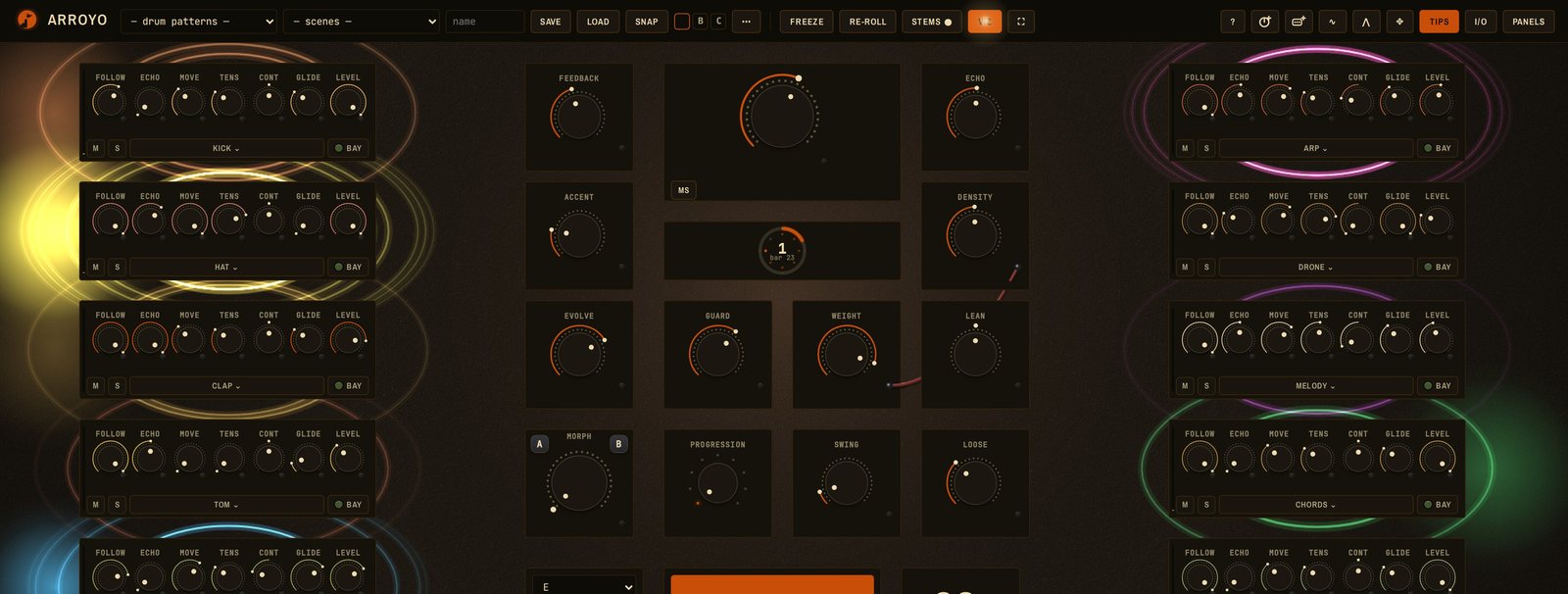
The cursor is a drawn hand with a trail; knobs erupt when they turn, by any hand; pulses run the cables; strips ring when they fire; the light warms with Weight and dims into a drop. For a projector or a screen recording. Shared scenes open with it on.
The room every room lies about the mix
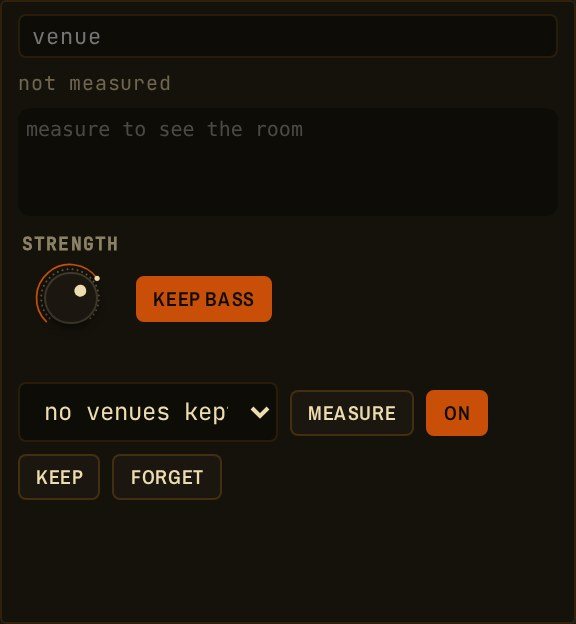
At soundcheck, put the laptop where the audience will be and press measure: an eight-second sweep out the master, the mic listening. The panel fits a few cuts to the bumps — never boosts, never the bass unless asked — and keeps the measurement under the venue's name. It reads the room's decay too, which is why to pull Echo back before playing a note.
MIDI through and through every strip can drive anything
The engine makes MIDI. Every strip has a channel, and everything it plays — hits, echoes, ghosts, microtiming — goes out on it as notes and CCs. Point a DAW track or a hardware synth at the channel and the strip is its drummer; a strip can be a module, hardware, or both. MIDI in plays the input strip and feeds the looper. CC knobs are ordinary MIDI knobs that ride, morph and patch like any other. Session MIDI exports as a Standard MIDI File, a track per strip.
The voices each one has a temperament
A small library with names, not a catalogue. Each is a Web Audio Module, loadable by URL into any host that speaks the standard, shipped in the desktop app, and free.

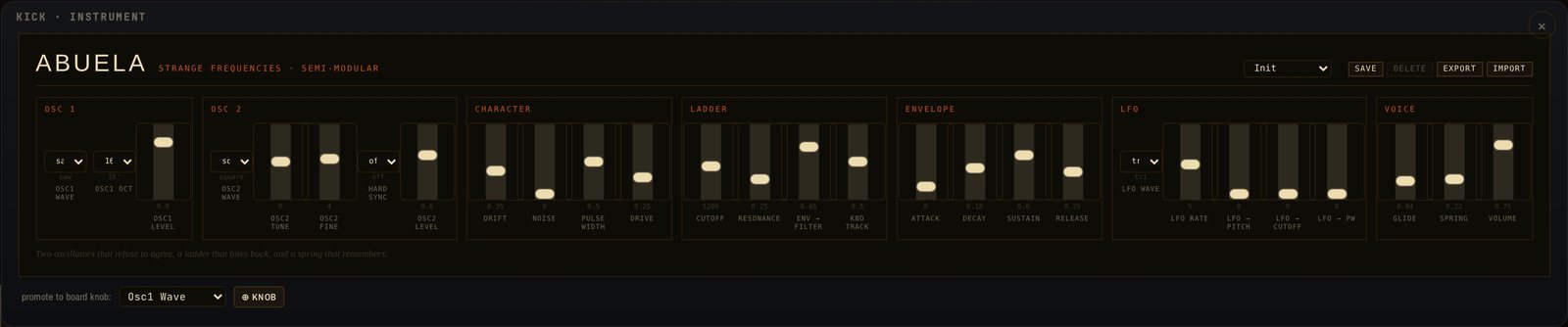
ABUELA
The grandmother. Two oscillators, a four-pole ladder, a snapping envelope, a spring tank on the way out. The default bass and lead voice; it wanders on purpose, and the drift knob is where the life is.

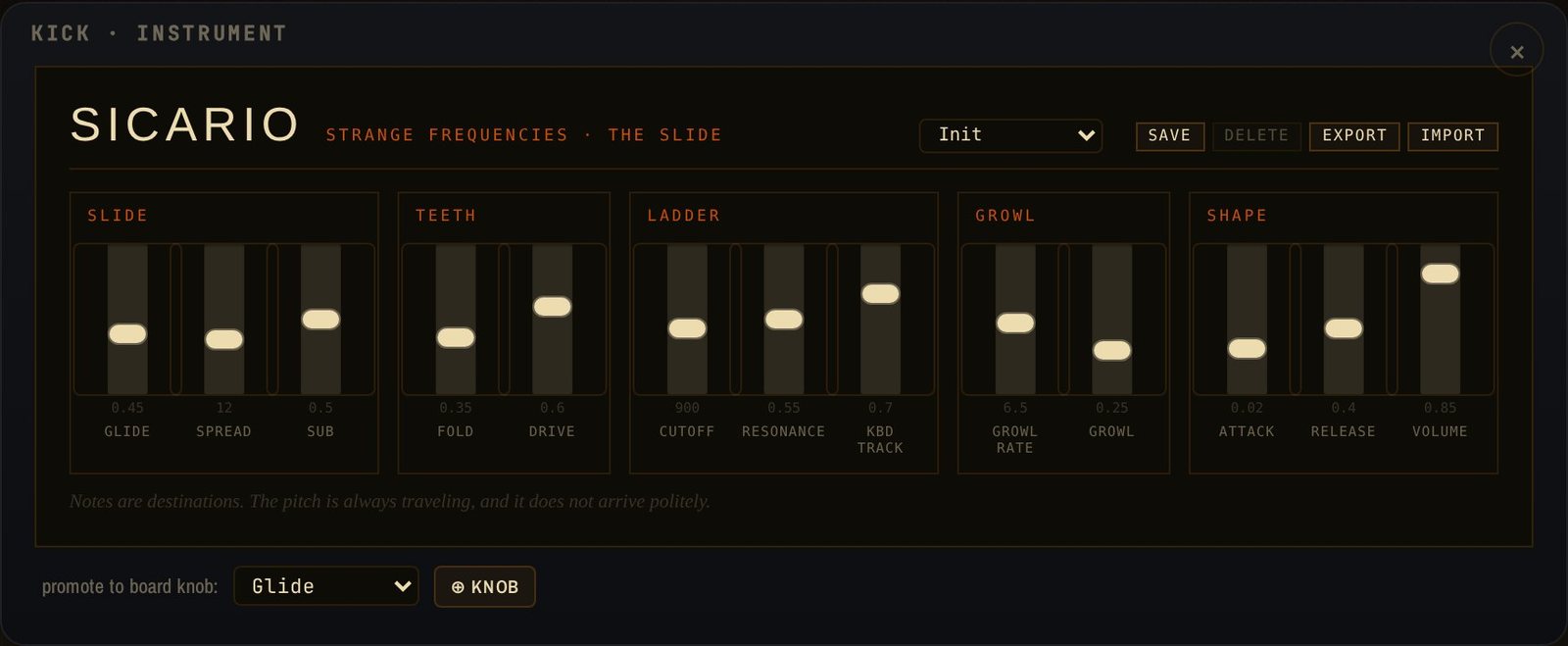
SICARIO
The slide. Every note is a destination the pitch travels to: twin saws and a sub, folded and driven into a ladder, a growl LFO in the throat. On a drone strip past a certain Tension it becomes a siren.

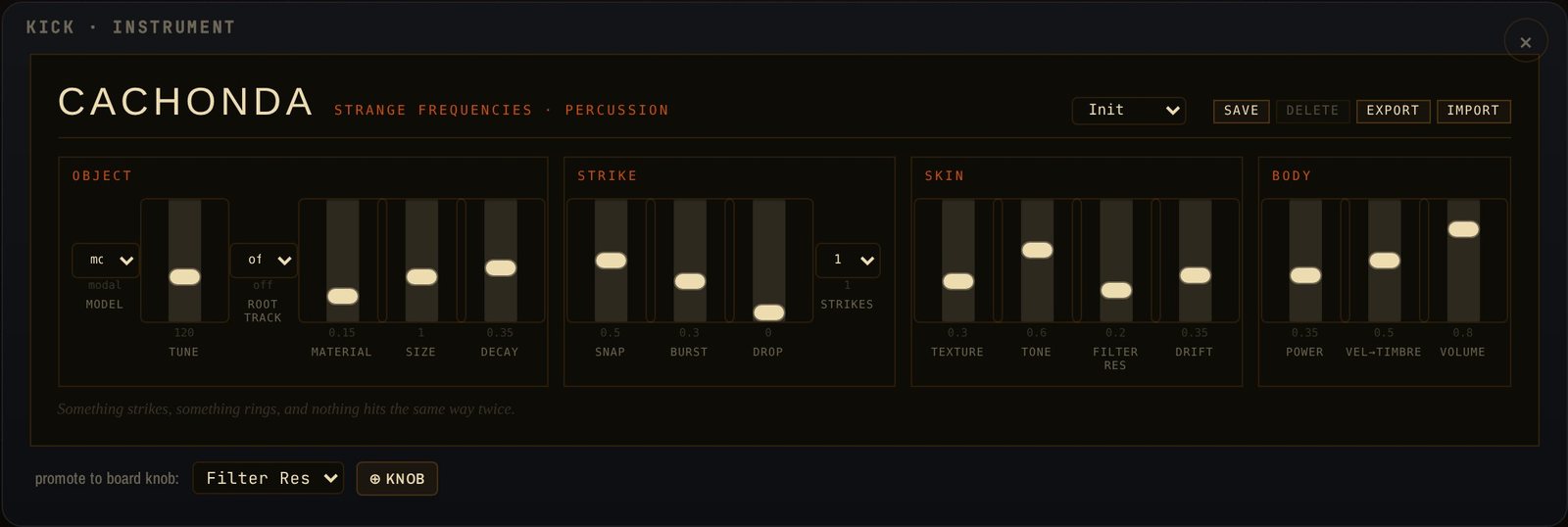
CACHONDA
The kit's own voice: a tuned body with noise, a filter and a snap, one note per hit, sized to the strip's role. Kick, clap, hat and tom from one module, each strip with its own state.

MURALLA
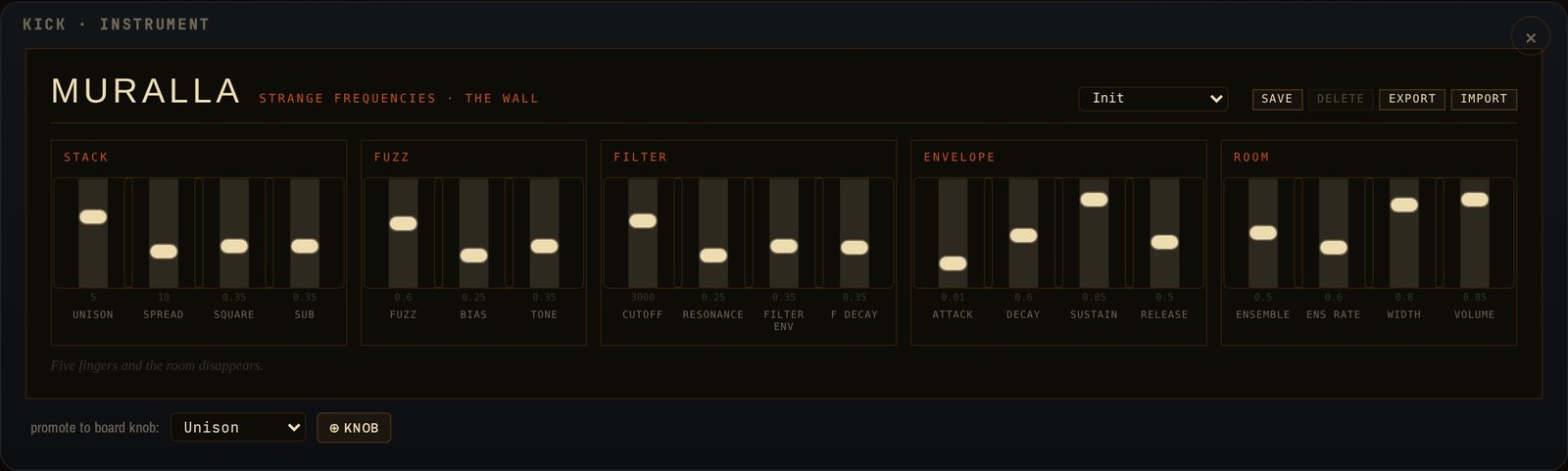
The wall. Eight voices, each up to seven detuned saws with a square and a sub, through its own asymmetric fuzz, a snapping filter, and an ensemble that spreads it across the room. Dense and wide; put a chord strip on it.
FANTASMA
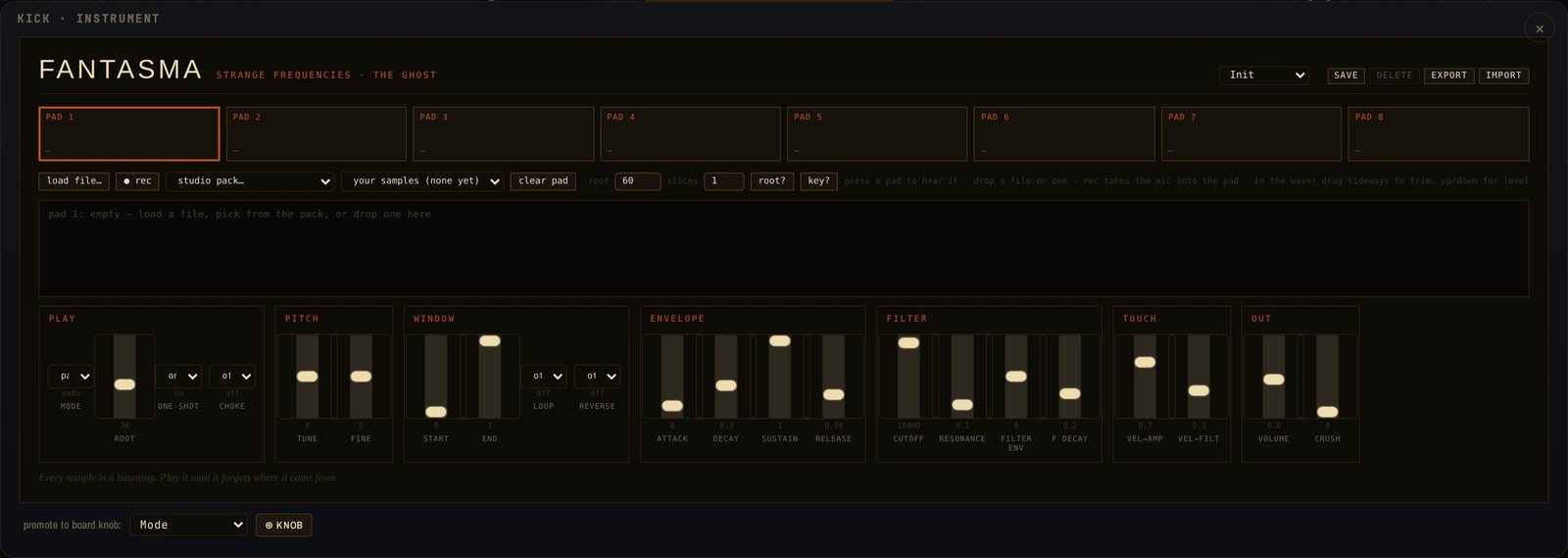
The ghost. Eight pads; drop files on them or pick from the studio pack. A pad is a one-shot or a sliced sample with a note per slice, so a chopped break sits beside the kicks and the field re-sequences both. Key mode pitches one sample across the keyboard. Start, end, loop, reverse, envelope, filter, and a level that goes far enough to break. Samples stay in your browser; scenes carry references, and Scene → file packs them.
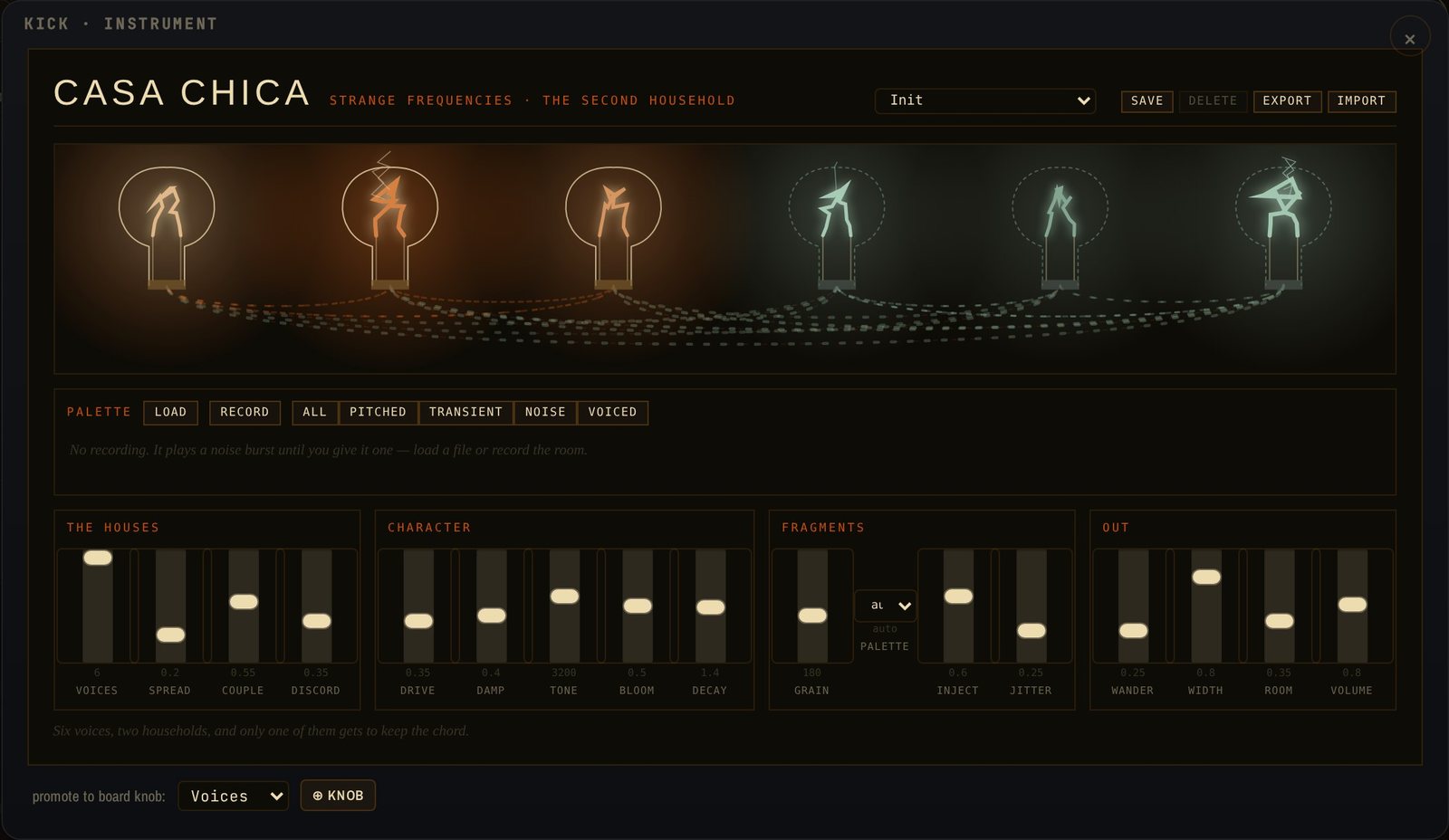
CASA CHICA
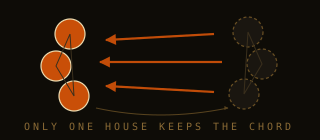
The second household. Give it a recording and it cuts it into fragments — pitched, transient, noise, voiced — none under 50 ms, so a fragment stays a recognisable thing. Fragments are fired into six coupled feedback resonators arranged as two houses of three. The first house tracks the key and chord. The second keeps its own tuning, retunes late, and past the middle of Discord stops following the progression — it holds through the change or lands on a chord that already went by. It feeds the first house about eight times harder than it's fed back, and there is no solo and no dry path: you never hear the second house, only what it does to the first. The ache is inside the voice.
Pitched strips drive it best; a pulse strip with a transient palette makes it percussive. High Couple with high Discord is the territory. Drive runs from hum to tone to strain to howl; the zone just before chaos is where it lives. Each resonator stands somewhere in a room of its own, from the seed; Room is how much of that you hear. Retune a voiced fragment and the vowel stays put.

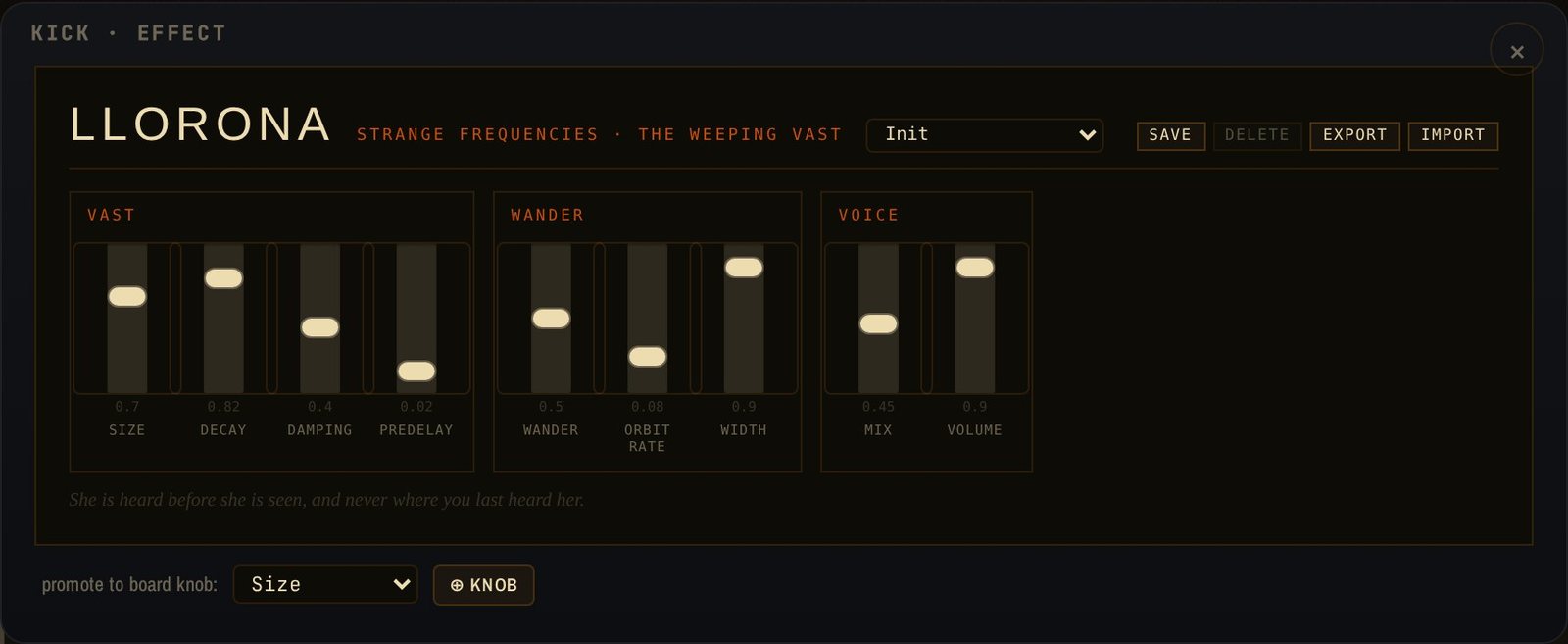
LLORONA
The wandering reverb. The tail drifts and the width breathes; it is never quite where you last heard it. Air on a lead, a room for a drone.

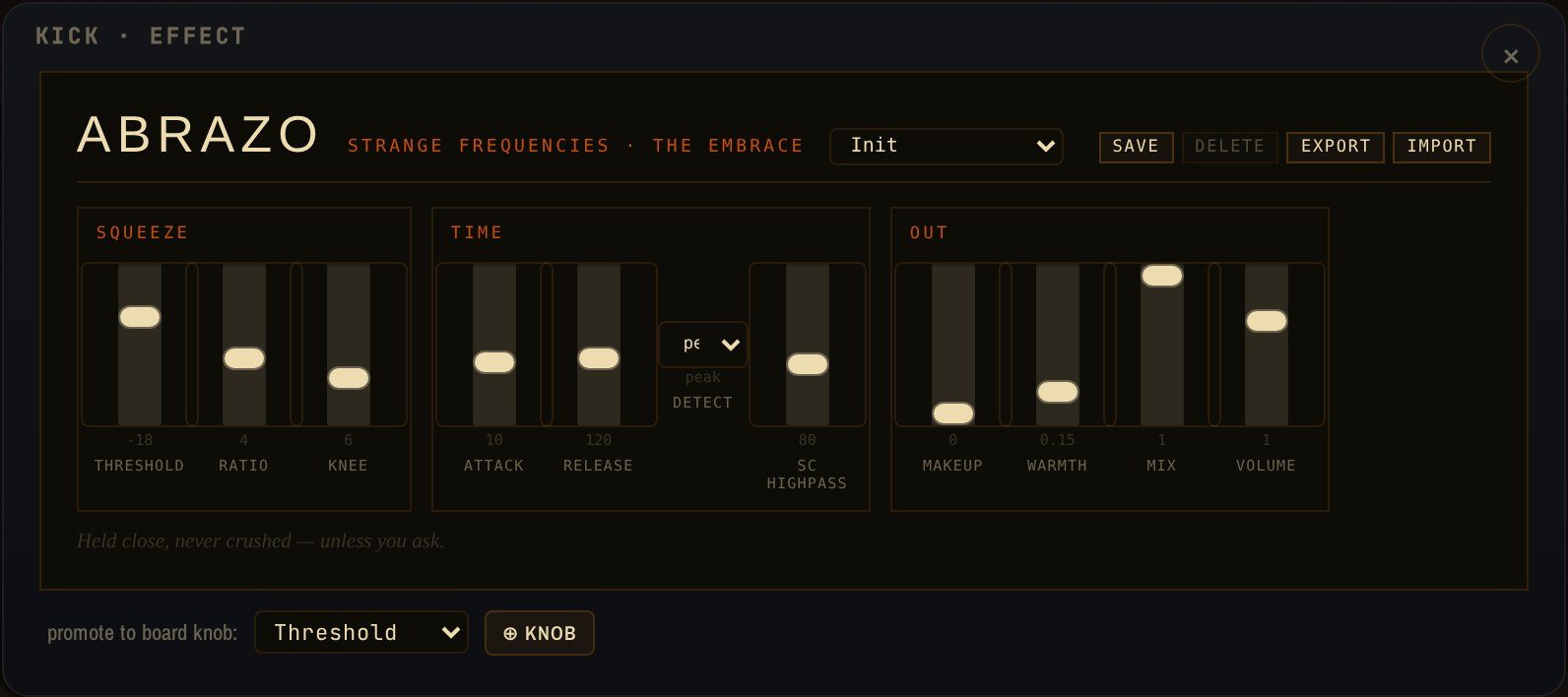
ABRAZO
The embrace. Soft-knee stereo compression with a sidechain highpass so the kick never squeezes the bass, peak or RMS detection, parallel mix, a little warmth out. Bass Hold on the drive bass, Drum Squeeze on a tom, Glue on the master.
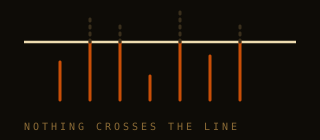
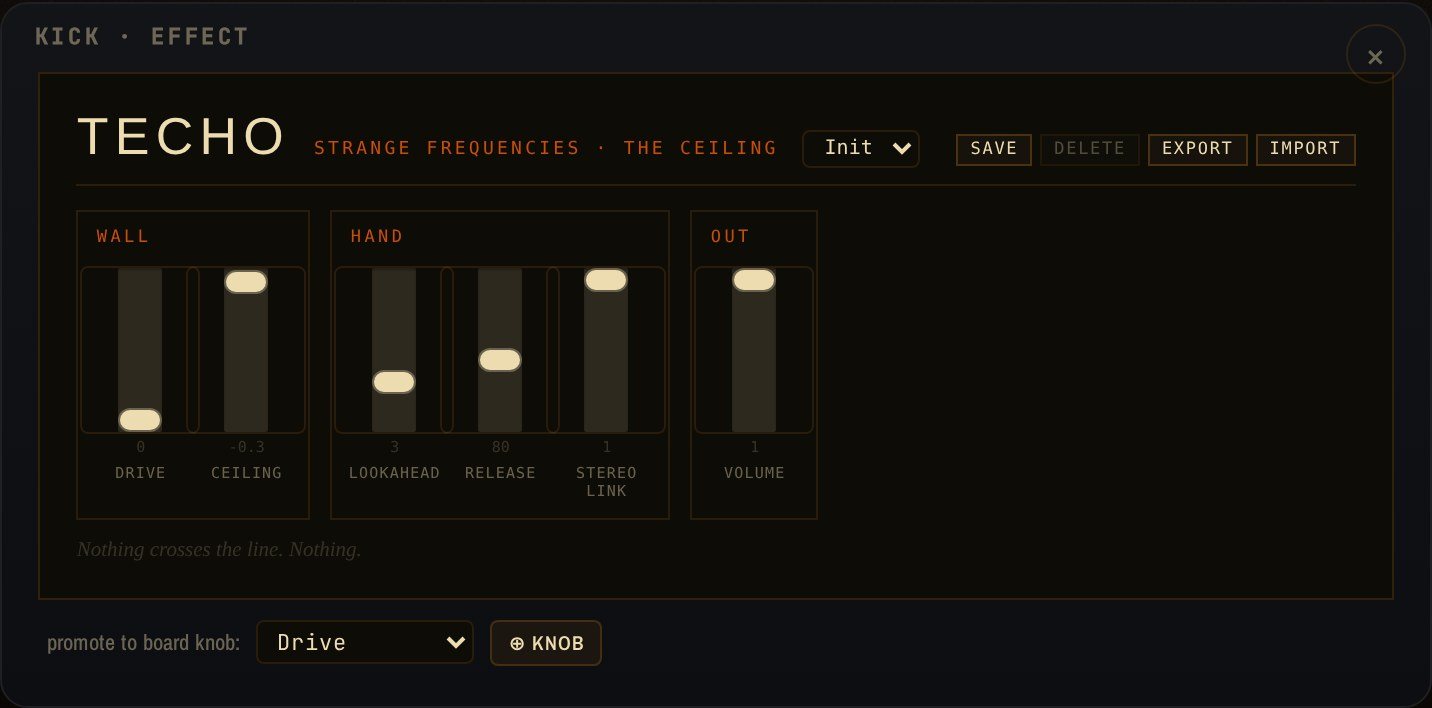
TECHO
The ceiling. A lookahead brickwall. Last on the master, ceiling at −0.3. If you can hear it on every bar, turn strips down instead.
Get it free, always
arroyo.strangefrequencies.fm. Chrome or Edge for MIDI to hardware; any browser for the modules. Works offline once opened.
Open in Safari, add to the home screen. Full screen, a stage lock, stems to the share sheet. The instrument plays through its modules; MIDI needs a Web-MIDI browser.
A desktop app with the voices built in, pinned to its own browser engine. Releases.
The manual is inside the instrument, under ?. Four skins under ⋯ — the same instrument painted differently; the printed panel is the default.